Book → PDF
Finds the pages, splits the spread and flattens the curve. Saved as a tiny, searchable PDF.
The AI book scanner that reads to you
Open the book and shoot. AI flattens curved pages, cleans up margins and fingers, and reads every word. Scan once — then keep it as a PDF, an eBook, an audiobook or a translation.
Free · iPhone · iOS 17.6 or later

Scan once, use four ways
Finds the pages, splits the spread and flattens the curve. Saved as a tiny, searchable PDF.
Page numbers, running heads and footnotes removed, paragraphs rebuilt — an eBook that reads well anywhere.
Listen to the books you used to read. Headers and page numbers are skipped, only the text is read aloud.
Translate a foreign-language book cover to cover. Side by side with the original, or translation only.
Capture · Correction
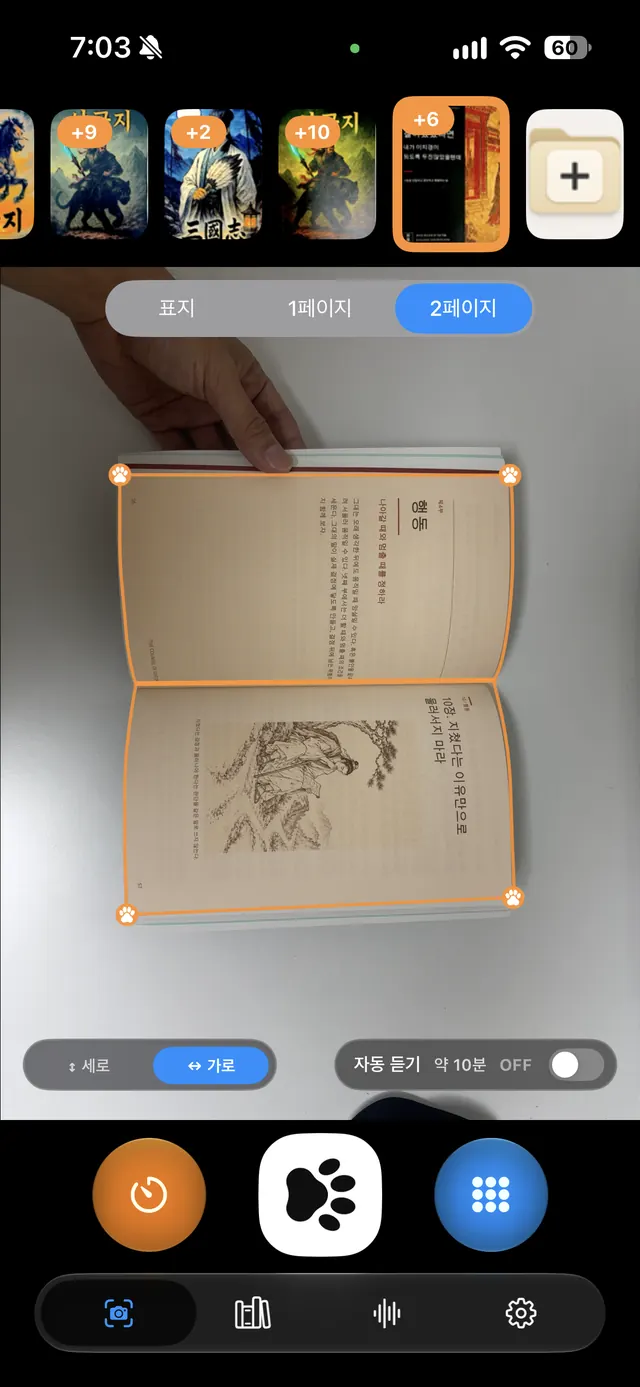
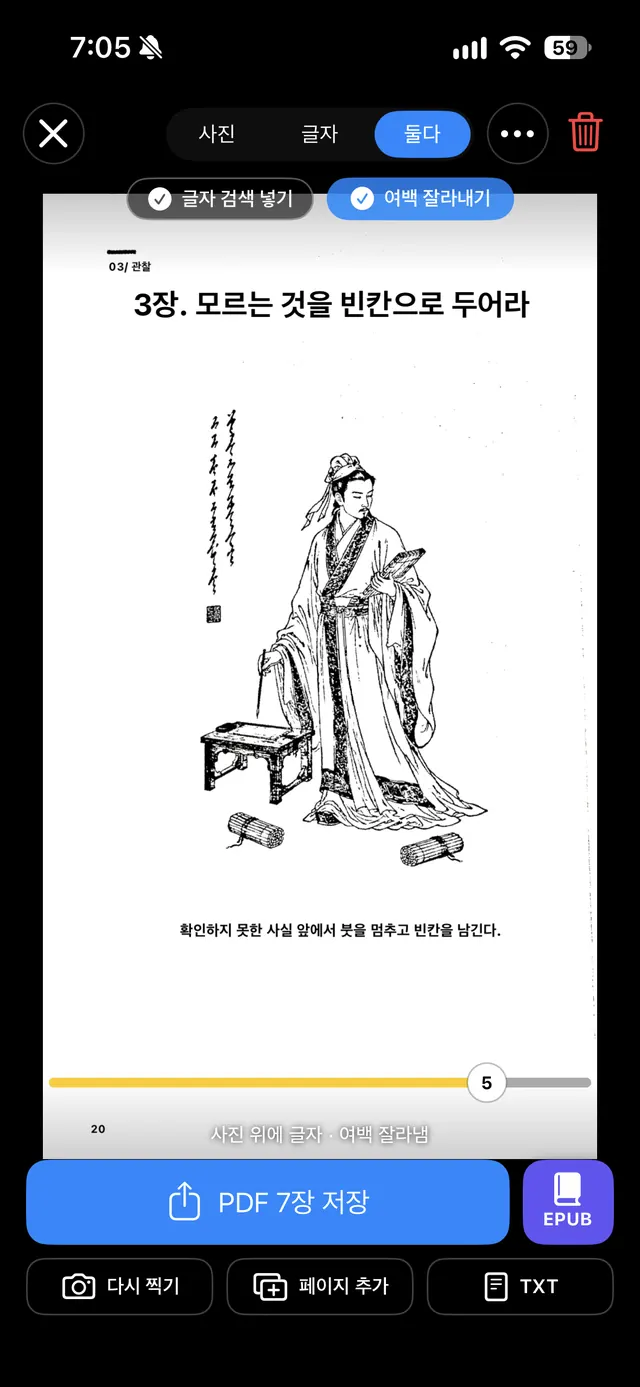
PantaScan finds the book in real time, locks onto its edges and captures both pages of a spread at once, then splits them. Curved paper is flattened and the fingers holding the book are erased.
On-device OCR
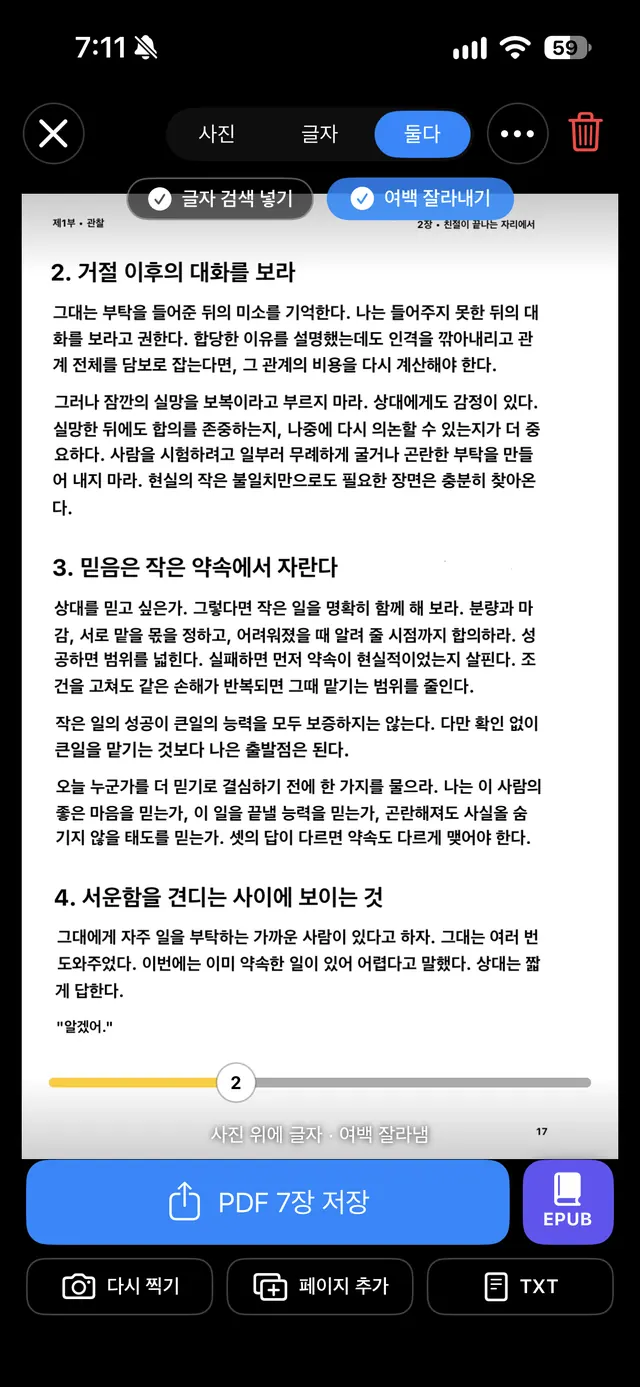
Text recognition happens entirely on your iPhone. Neither your photos nor your text go to a server. Search, copy and fix the text right after you shoot.
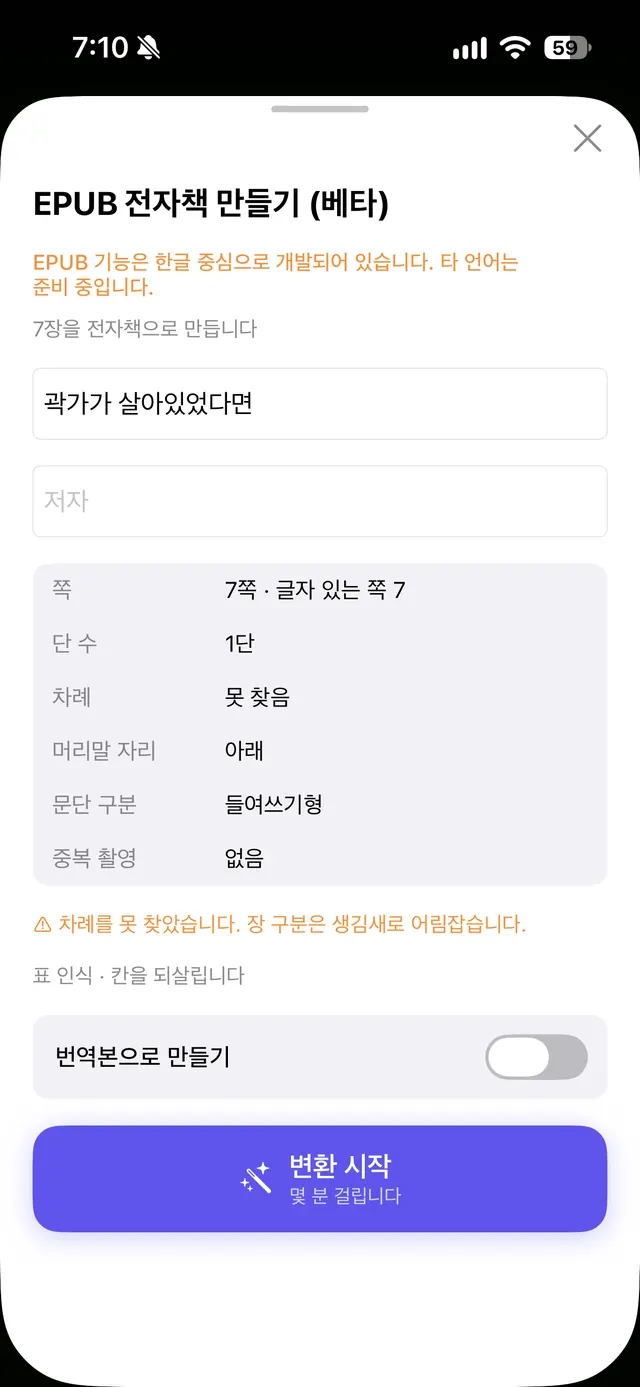
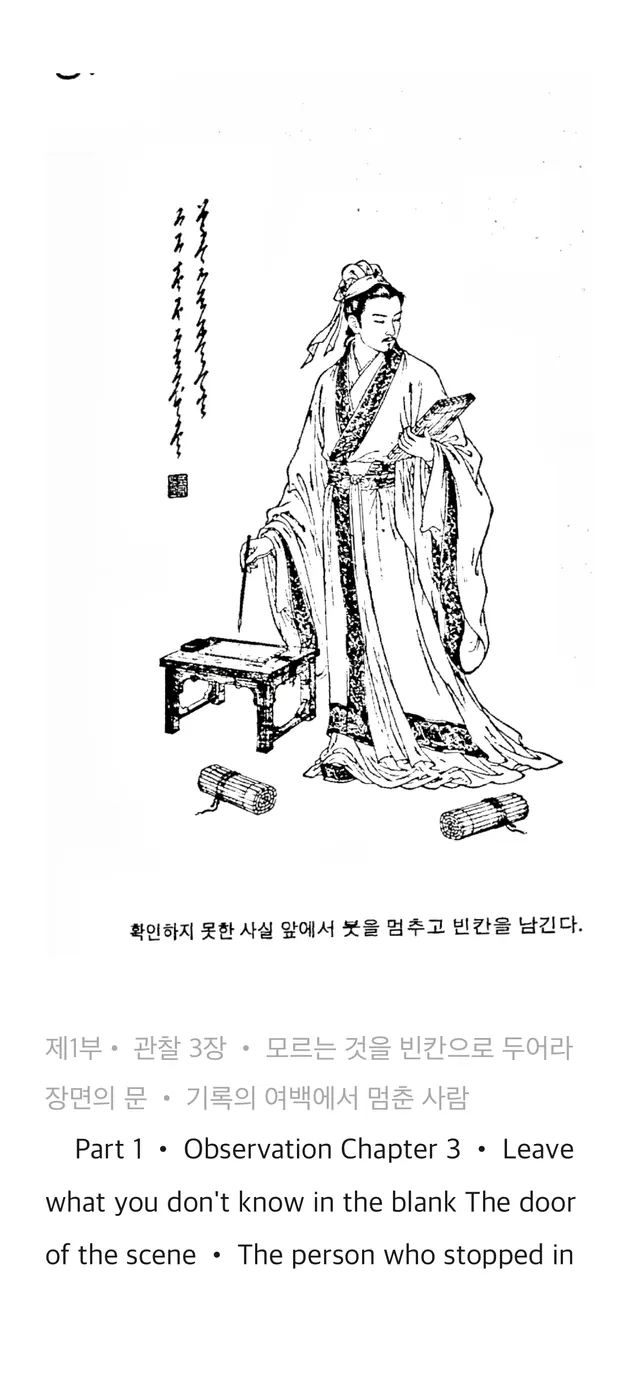
EPUB eBooks BETA
Copy text alone and you get broken line breaks and page numbers stuck between paragraphs. PantaScan filters out running heads, page numbers and footnotes, rebuilds paragraphs and chapters, and keeps the illustrations.
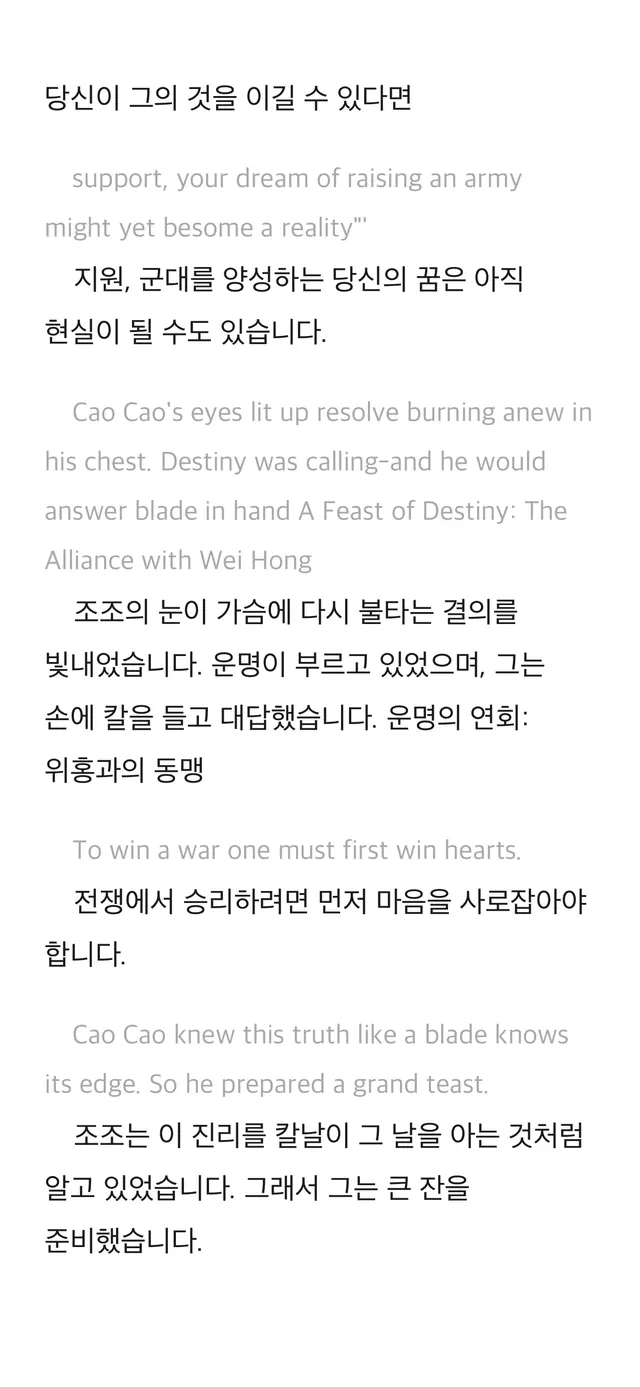
Whole-book translation
Scan a book in another language and PantaScan translates the whole thing. There is no page limit, and it uses Apple’s on-device translator, so the text never leaves your phone.
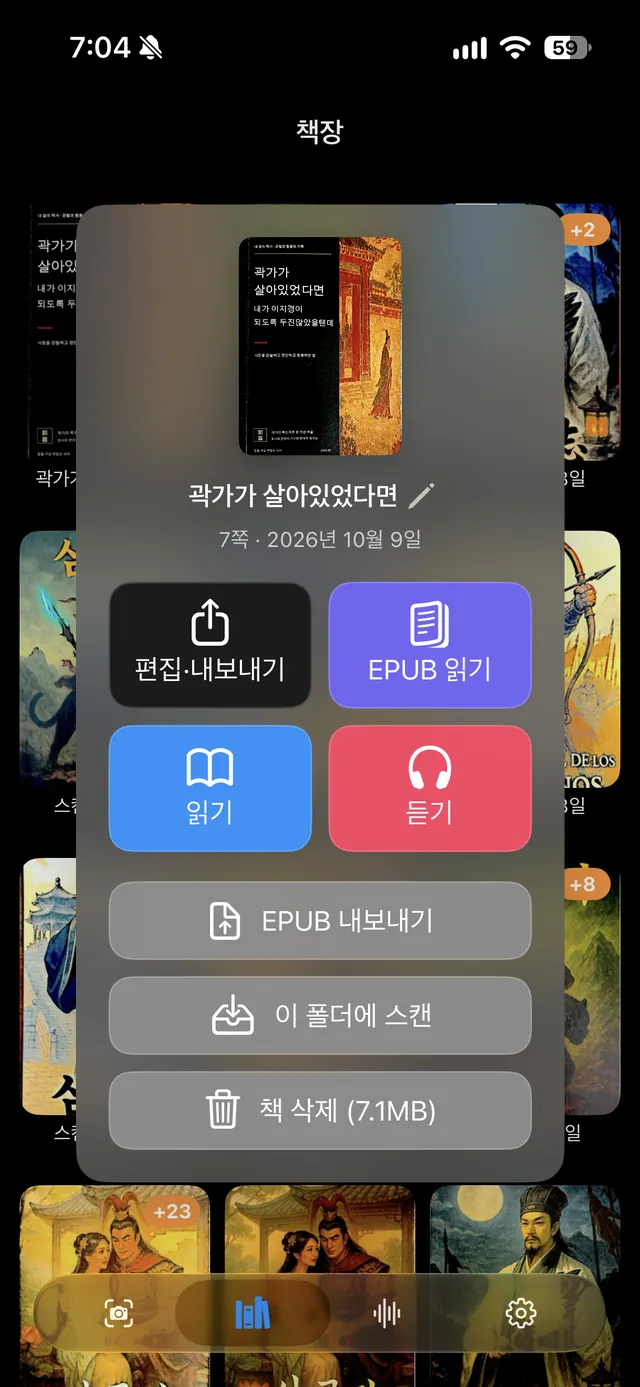
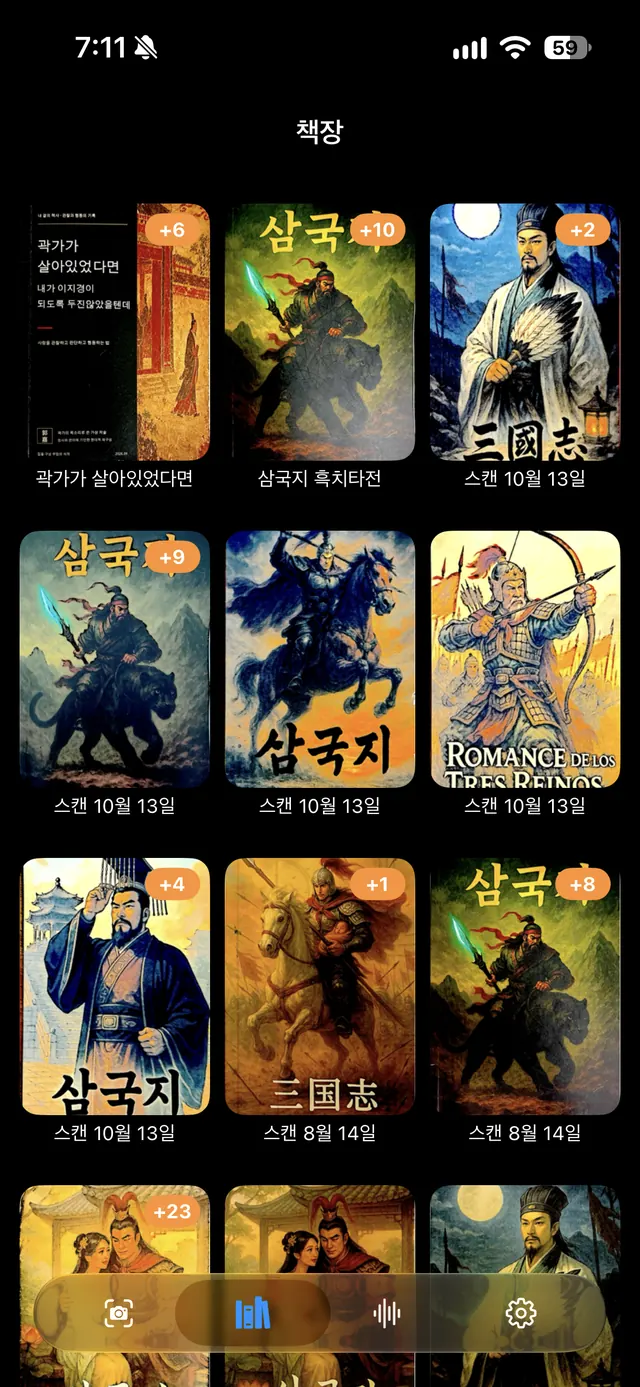
Read · Listen
Every scanned book lands on your shelf. Pick one and start reading or listening. Highlights, bookmarks, fonts and line spacing — make it yours.
5 No’s · On-device by default
Capture, correction, OCR and translation all run on your iPhone.
See it in action
Unedited screen recordings from a real iPhone.
Curious about the results? Sample PDF 1 Sample PDF 2 (includes Korean, English and Japanese)
Pricing
Try everything first. Decide only when you want to take the files out.
Free
One-time purchase
Prices vary by country and are shown on the App Store.
More from PassionEx
Small, fast apps that each solve one problem all the way.
 SayScanSnap it, hear it. Reads the text from your camera aloud in a clear voice.
 PantaScan Unlimited OCRShoot a book and pull out just the text as TXT or PDF. Great for study, quotes and translation notes.
 PantaSCANWhere PantaScan began — our very first book scanner.
CLOSER by PassionEx
Clarify → Locate → Outline → Ship → Evaluate → Repeat
We start small, prove fast and finish — so each app actually ends one real problem.
Feature requests and bug reports are always welcome. Your feedback shapes the next update.
passion-ex@passion-ex.com Check the FAQ first →